
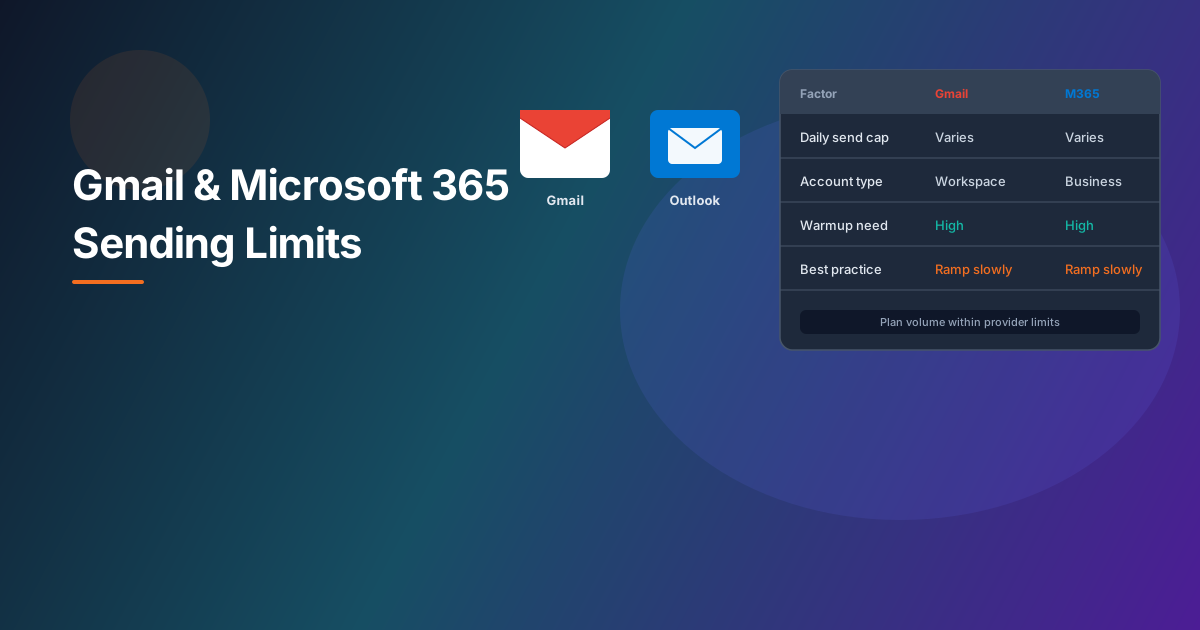
Gmail and Microsoft 365 apply sending limits to protect their networks and users. If you send campaigns through mailboxes on these platforms, your schedule needs to fit inside those constraints — not just your marketing calendar.
Important: Limits vary by account type, licensing, admin settings, and provider policy. Google and Microsoft update documentation periodically. Always confirm current limits in their official references before planning large sends.
Types of limits you will encounter
Although exact numbers differ, most teams hit one or more of these categories:
- Daily recipient limits — Caps on how many distinct recipients a mailbox can message per rolling period.
- Per-minute or per-hour throttling — Short bursts can defer or fail even when daily totals have headroom.
- External vs internal recipients — Some policies treat mail to outside domains differently from mail within your organization.
- Automation and API paths — Mail sent via OAuth, Graph, or SMTP may share the same underlying mailbox quotas.
Gmail and Google Workspace
Personal Gmail accounts typically have lower sending ceilings than Google Workspace mailboxes used by businesses. Workspace admins may also configure additional restrictions. When you connect Gmail to SendWise, sending flows through the authorization you grant — see our Gmail integration guide for scope details.
Practical planning tips:
- Prefer Workspace mailboxes for regular campaign sending when possible.
- Avoid sudden volume jumps on mailboxes with little prior history — use warmup instead.
- Spread large audiences across multiple eligible senders only when each mailbox has its own healthy reputation and permission-based list.
Official reference: Google Workspace sending limits (Google Support).
Microsoft 365 and Outlook
Microsoft applies limits through Exchange Online and related services. Business and enterprise tenants may have different thresholds than consumer Outlook.com accounts. Tenant administrators can configure connectors, transport rules, and anti-abuse settings that further affect throughput.
SendWise connects to Microsoft through the secure authorization that account supports — details are in our Microsoft integration guide.
Practical planning tips:
- Confirm with your IT admin whether marketing-style volume is allowed on the mailbox you plan to use.
- Watch for throttling responses during tests and reduce pace rather than retrying in tight loops.
- Keep lists verified — bounces consume quota and hurt reputation simultaneously.
Official reference: Exchange Online limits (Microsoft Learn).
How SendWise helps you stay inside safe bounds
SendWise applies per-sender daily caps as an additional pacing layer on top of provider limits. Caps vary by plan and encourage steady sending rather than single-day spikes. Combined with scheduling and multi-sender allocation, this helps teams spread volume across time and mailboxes responsibly.
Platform caps do not replace provider rules — they complement them. If Microsoft or Google throttles a mailbox, reduce campaign pace and review list quality before increasing volume again.
Planning checklist before a large send
- Confirm current provider limits for each connected mailbox.
- Verify your list — see the list verification guide.
- Ensure warmup is active for new or idle senders.
- Schedule campaigns with daily headroom below the lowest applicable limit.
- Monitor bounces, deferrals, and complaints during the first days of a new schedule.
Related resources
Browse all integrations, read the deliverability guide, or visit the Resources hub. For plan limits and pricing, see pricing.